Best Gaming Mice in 2026: Wireless, Lightweight and MMO Picks
Updated Oct 22, 2026 · Researched from 4 sources
For most players, the best gaming mouse is the Logitech G PRO X Superlight 2. It’s a 60 gram wireless mouse with a simple shape, a top-tier sensor and USB-C charging, and it’s the mouse you’ll spot in the hands of a lot of esports players. If you raid in MMOs and want a thumb full of buttons, or you just need something dependable for a laptop bag, the picks below cover that too, along with a desk-size pad to put under whichever one you choose.
Our picks at a glance
We may earn a commission when you buy through these links. It never costs you extra. How we pick
How to choose
Start with weight and shape, because that’s what you feel every second you play. A light mouse takes less effort to start and stop, which helps with the small, quick corrections shooters demand. Heavier mice feel more planted and usually carry more buttons. Your grip matters as much as the number on the scale: palm grippers tend to like a tall, hand-filling ergonomic body, while claw and fingertip players get on better with smaller, symmetrical shapes. Many ergonomic mice are sculpted for right hands only, so left-handed players should check before buying.
Sensor specs look impressive on the box, but past a point they stop mattering. Most people play somewhere between 400 and 1600 DPI, so any modern gaming sensor has more than enough range. What counts is clean 1:1 tracking with no smoothing or acceleration. Polling rate is how often the mouse reports its position to your PC. 1000 Hz is the standard, and 8000 Hz can make motion look smoother on a 240Hz or faster monitor, but it drains a wireless battery faster.
Then decide on wired or wireless. Good 2.4GHz wireless with its own USB receiver has no meaningful delay compared with a cable, and it removes cable drag entirely. Wired mice never need charging, but the cable can tug on wide swipes, which a mouse bungee helps with. Finally, count the buttons you actually use: two side buttons cover most shooters, while MMOs and MOBAs reward a mouse with a full bank of binds.
For the competitive FPS player
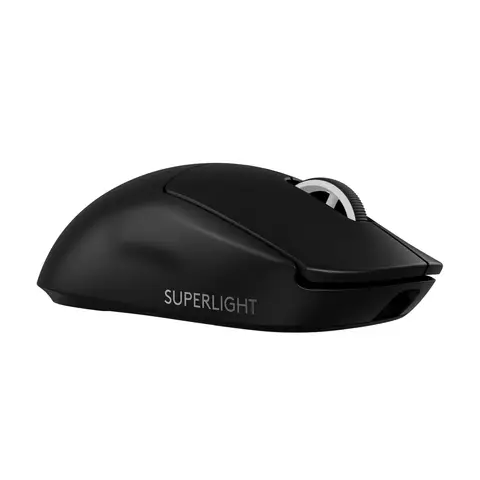
Logitech G PRO X Superlight 2 Wireless Gaming Mouse
Most competitive players will be happy with the Logitech G PRO X Superlight 2 Wireless Gaming Mouse. It weighs 60 grams and pairs a HERO 2 sensor with 8 kHz polling, which reports position eight times more often than a standard mouse and can make tracking look smoother on a fast monitor. LIGHTFORCE hybrid switches give a crisp click, and it now charges over USB-C. The shape is minimal with no extra button clusters, so MMO players should keep scrolling.
Currently unavailable on Amazon. The link shows the latest.
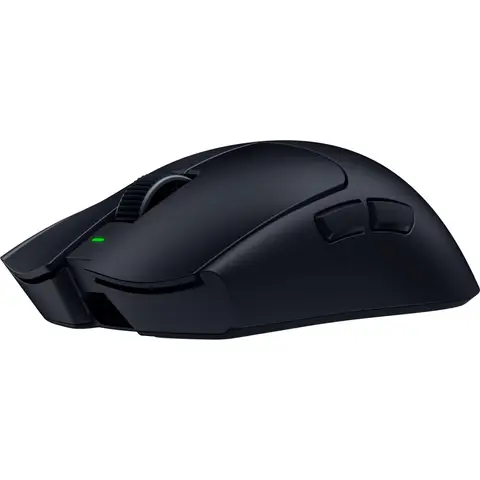
Razer Viper V4 Pro Wireless Esports Gaming Mouse
If every gram counts, the Razer Viper V4 Pro Wireless Esports Gaming Mouse comes in at just 49 grams. Its battery gives you a real choice: up to 180 hours at 1000 Hz, or about 45 hours at 8000 Hz for ranked nights in CS2 or Valorant. Grip tape and a USB-C cable for wired play come in the box. Players who prefer a heavier, steadier feel or need extra buttons should skip it.
Currently unavailable on Amazon. The link shows the latest.
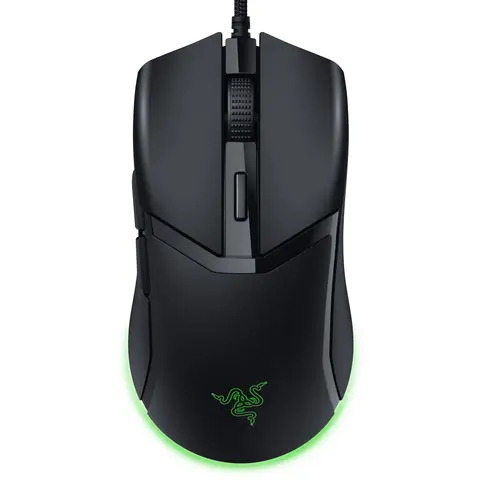
Razer Cobra Wired Gaming Mouse
Happy to live with a cable? The Razer Cobra Wired Gaming Mouse weighs 58 grams and uses Gen-3 optical switches, which can’t develop the double-click fault that eventually hits many mechanical switches. Full PTFE feet and the soft Speedflex cable help it glide more freely than most wired mice, and the shape works for palm, claw and fingertip grips. Low-sensitivity players who make big arm swipes will want a bungee to keep the cable out of the way.
Currently unavailable on Amazon. The link shows the latest.
For the MMO raider
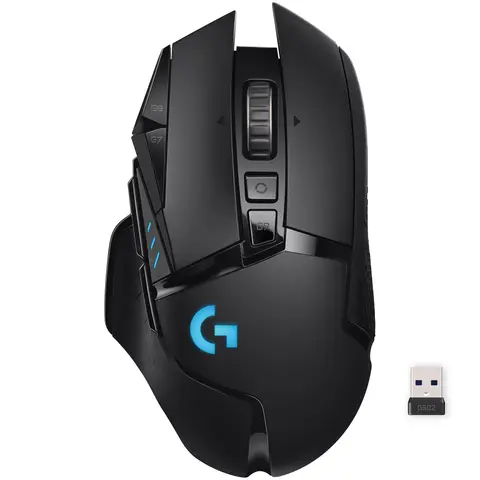
Logitech G502 Lightspeed Wireless Gaming Mouse
The Logitech G502 Lightspeed Wireless Gaming Mouse keeps the famous sculpted shape and 11 customizable buttons but drops the cord, running on the same Lightspeed wireless Logitech uses for its esports mice. The hyper-fast scroll wheel zips through long menus, and it charges on a Powerplay pad if you own one. It’s on the heavy side and built for right hands, so twitchy shooter players will be better off with something lighter.
Currently unavailable on Amazon. The link shows the latest.
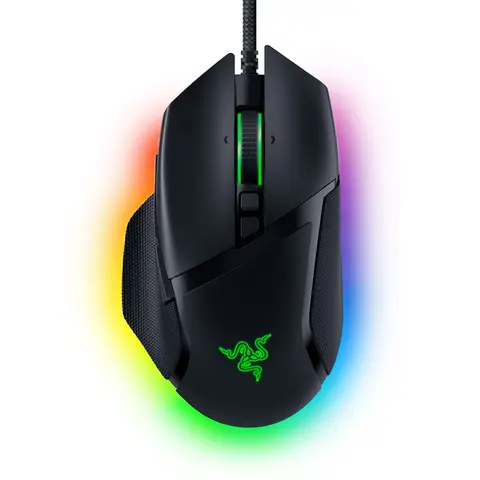
Razer Basilisk V3 Wired Ergonomic Gaming Mouse
For a wired option with a proper thumb rest, look at the Razer Basilisk V3 Wired Ergonomic Gaming Mouse. Its 11 programmable buttons give push-to-talk, abilities and inventory shortcuts a home on the mouse, and the HyperScroll wheel switches between free-spin for zooming in strategy games and notched clicks for cycling skills. It also tilts left and right for two more inputs. This is a big mouse and not a light one, so players chasing the fastest flicks should look elsewhere.
Currently unavailable on Amazon. The link shows the latest.
For the shooter who wants extra binds
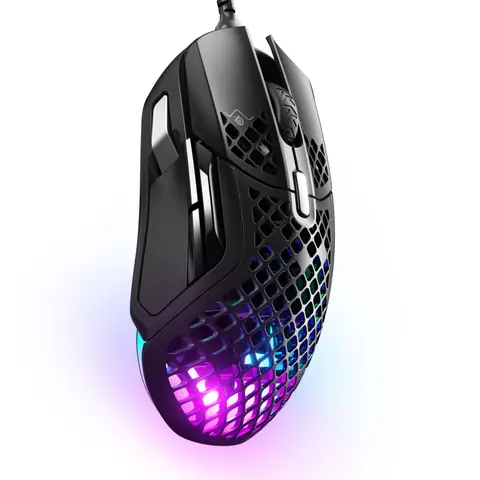
SteelSeries Aerox 5 Wired Gaming Mouse
Most ultralight mice cut buttons to save weight, but the SteelSeries Aerox 5 Wired Gaming Mouse keeps nine of them at 59 grams, including an up/down flick switch on the side. The perforated shell is rated IP54 against splashes, dust and dirt, so the holes are less of a worry than they look. It suits battle royale and MOBA players who want quick aim plus a few more binds. The flick switch takes practice, and some people find the honeycomb edges odd under their fingers.
Currently unavailable on Amazon. The link shows the latest.
For the laptop gamer or first-time buyer
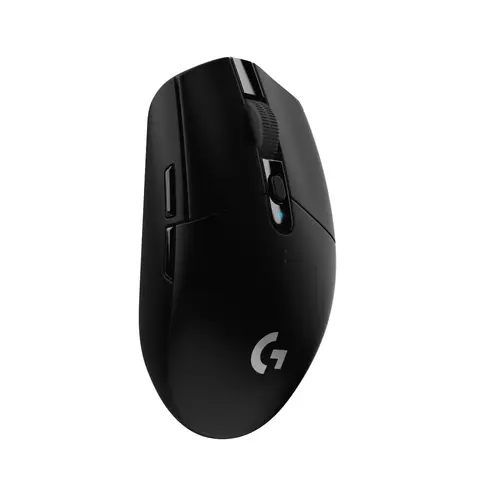
Logitech G305 Lightspeed Wireless Gaming Mouse
Plenty of players start with the Logitech G305 Lightspeed Wireless Gaming Mouse and never replace it. It runs on a single AA battery rated for 250 hours of continuous play, and the nano receiver tucks inside the mouse so it travels safely in a bag. The compact body is easy to steer in Valorant or Apex. Large hands that like to rest a whole palm on the mouse may find it cramped, and it has no RGB lighting at all.
Currently unavailable on Amazon. The link shows the latest.
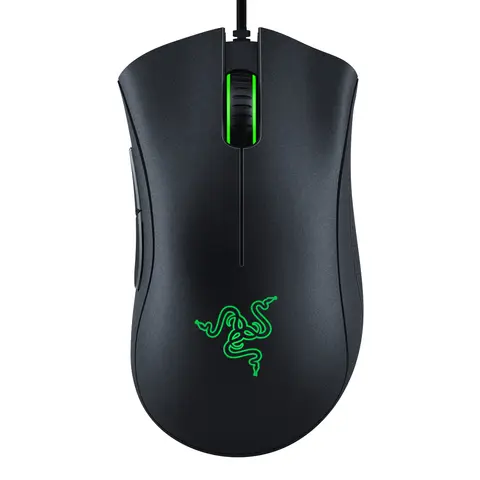
Razer DeathAdder Essential Wired Gaming Mouse
Coming from an office mouse? The Razer DeathAdder Essential Wired Gaming Mouse gives you the classic DeathAdder palm shape with a 6,400 DPI sensor, five programmable buttons and dedicated DPI buttons for changing sensitivity on the fly. That sensor covers the range most people really play at. The standard cable drags more than a paracord or wireless model, and lefties should pass since the shape is sculpted for the right hand.
Currently unavailable on Amazon. The link shows the latest.
For a better aim surface
SteelSeries QcK XXL Gaming Mouse Pad
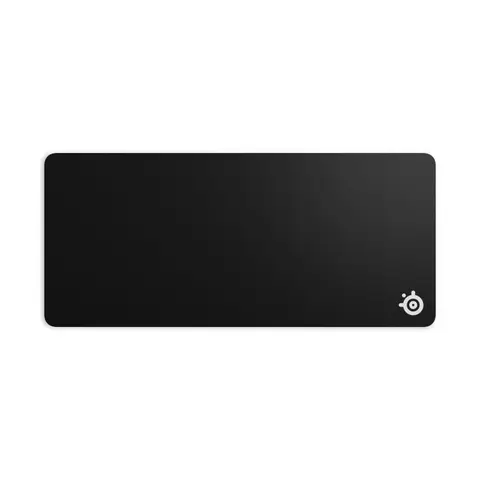
A mouse is only as consistent as what it slides on, and the SteelSeries QcK XXL Gaming Mouse Pad covers 35 by 16 inches, enough for your keyboard and mouse together with room for wide swipes at low sensitivity. The micro-woven cloth tracks cleanly with optical and laser sensors and has a balanced glide, while the rubber base stops it shifting mid-fight. Measure your desk first, since it’s too large for small setups, and cloth can stain and wear in over many months.
Currently unavailable on Amazon. The link shows the latest.
Questions people ask
Is a wireless gaming mouse as fast as a wired one?
Yes, if it uses a 2.4GHz connection with its own USB receiver. That kind of wireless has no meaningful delay compared with a cable. Bluetooth is slower, so keep it for work and use the receiver for games.
How much DPI do I need?
Most players aim somewhere between 400 and 1600 DPI, so any modern gaming sensor has plenty of headroom. Pick a DPI that feels comfortable and fine-tune with in-game sensitivity rather than chasing the biggest number.
Does a lighter mouse improve your aim?
It makes small, fast corrections take less effort, which helps in shooters. It won’t fix aim on its own, and some players prefer a heavier mouse because it feels steadier on long tracking shots.
Questions people ask
Wired or wireless for gaming?
Modern 2.4GHz wireless gaming mice are as responsive as wired ones for nearly everyone. Wired still wins on price and never needs charging; Bluetooth alone is too laggy for competitive play.
What DPI do I actually need?
Most players use 400 to 1600 DPI. A sensor rated for 26,000 or 30,000 DPI is about tracking accuracy, not a setting you will use.
Does mouse weight matter?
For fast aiming, yes: lighter mice (roughly 50 to 70 grams) are easier to flick and stop. For MMOs and casual play, weight matters far less than shape and buttons.